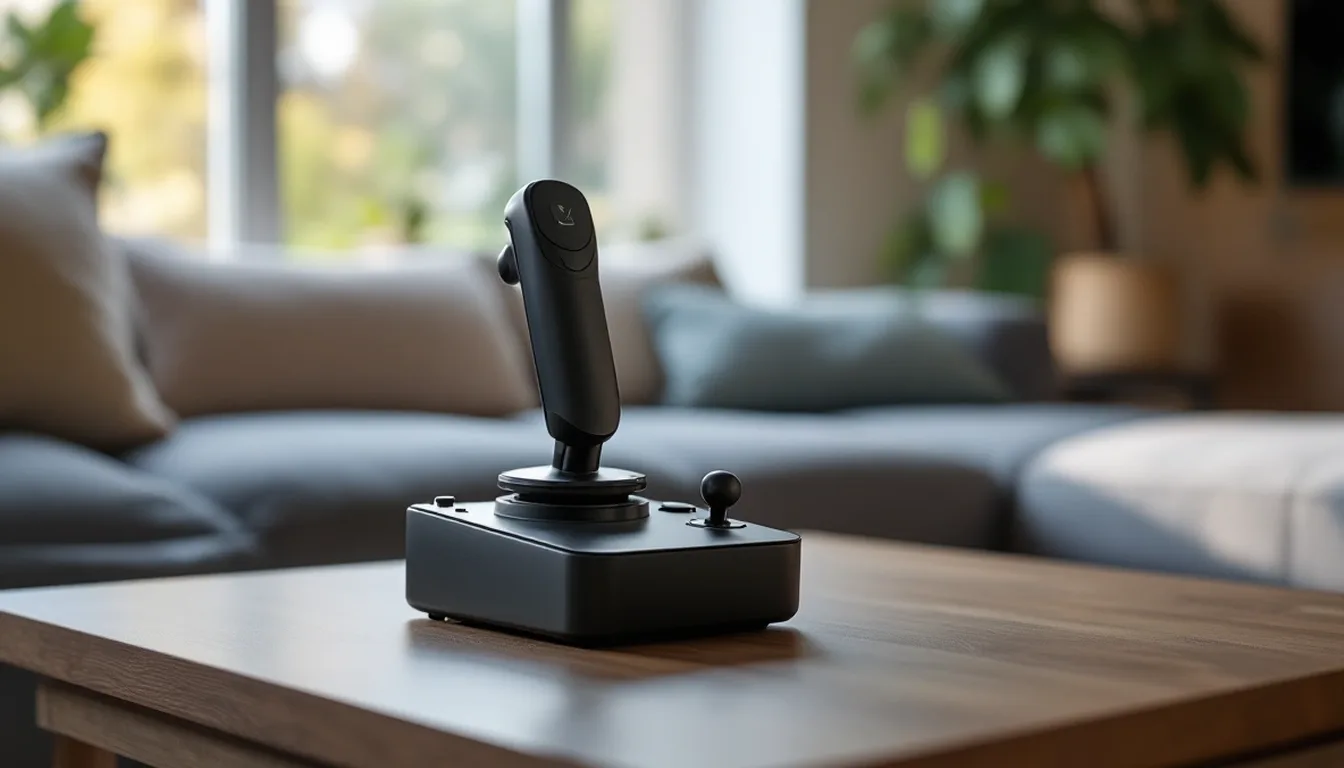
The Thrustmaster T.Flight HOTAS One matters less for any single spec than for what it is. It is an officially licensed Microsoft Flight Simulator stick built for Xbox Series X|S and PC. Why that license exists, and what it does and doesn't promise, matters more here than the button count.
Keep in mind: it does not include rudder pedals, so add the TFRP or step up to the Full Kit X for those.
Why the Xbox license is the whole story
An Xbox Series X|S accepts input only from controllers that Microsoft has certified and licensed. That is a hardware and firmware rule, not a driver issue you could fix with software. It is why most PC flight-sim hardware will never connect to an Xbox, however similar its spec sheet looks. That includes Thrustmaster's own HOTAS Warthog and T.16000M FCS lines. The T.Flight HOTAS One exists to clear that bar.
What the Thrustmaster T.Flight HOTAS One actually includes
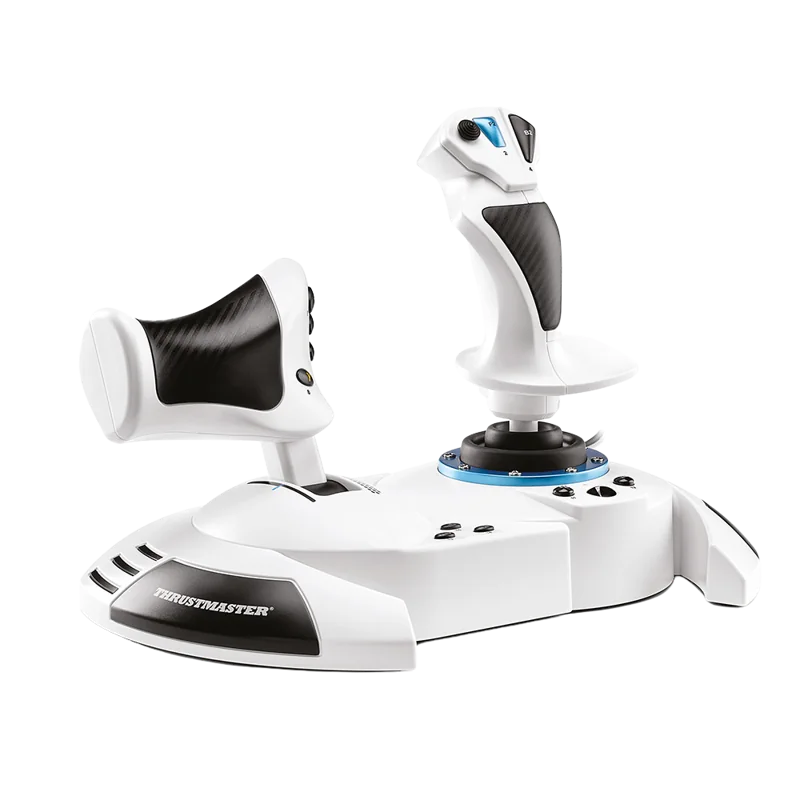
The T.Flight HOTAS One is officially licensed for Microsoft Flight Simulator on Xbox Series X|S and PC. It has 5 axes, 14 buttons and a rapid-fire trigger. The full-size throttle detaches, so you can place it on a desk or on your lap. You can adjust the stick's resistance to suit your hand.
It doesn't come with rudder pedals. Thrustmaster's TFRP pedals are the intended add-on if you want a real rudder axis. They are listed for PS5, Xbox Series X|S and PC.
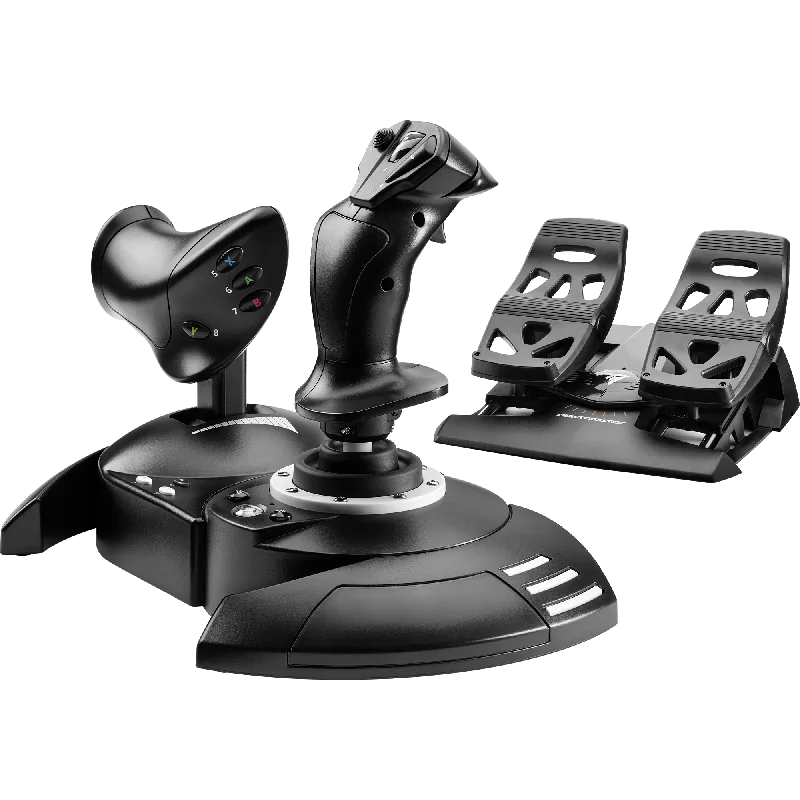
Meet the T.Flight Full Kit X
Maybe you want rudder pedals in the box from the start, along with the stick and throttle. Then Thrustmaster's T.Flight Full Kit X is worth comparing. It puts the same style of stick and detachable throttle in one box with pedals that run on slide rails. It is listed for Xbox Series X|S, Xbox One and PC. Thrustmaster calls it plug and play, with functions set up out of the box.
Keep in mind: it is a larger purchase than the HOTAS One alone, since it includes a full pedal set.
It is a bigger purchase than the HOTAS One alone, since it adds a full pedal set. Our Xbox flight stick roundup compares it with the other licensed sets.
Checking compatibility before you buy
Xbox licensing is built into the hardware. It is not a software feature. So the only reliable way to confirm a stick will work on your console is to check the exact listing. It should name Xbox Series X|S or Xbox One clearly.
Both the T.Flight HOTAS One and the T.Flight Full Kit X say so. When a HOTAS doesn't mention Xbox anywhere in its spec, treat it as PC only. It is not a gap in the listing.
Choosing between the HOTAS One and the Full Kit X
If you already own rudder pedals, or aren't sure you'll use them, the T.Flight HOTAS One alone is the simpler, smaller purchase. If you know from the start that you want pedals, the Full Kit X is usually the easier route than buying the HOTAS One and the TFRP pedals on their own. It ships as one matched system, set up to work together.
Setting it up on Xbox and PC
On Xbox, the T.Flight HOTAS One is plug and play. You map controls in each game's own settings menu. Consoles don't offer the system-level remapping tools a PC does.
On PC, Thrustmaster's T.A.R.G.E.T. software lets you build a named profile for each game. Either way, basic input needs no separate driver install.
Before your first real flight, test each axis in the game's control screen. Check that full stick travel reads correctly and that the throttle isn't reversed. It takes two minutes and saves a confusing first takeoff.
What games to expect it to work with
The license covers Microsoft Flight Simulator on Xbox and PC. Other Xbox flight and space games can also read a licensed HOTAS, if the game supports stick input. Check each game's controls menu before you buy for a title other than MSFS. A controller the console accepts can still do nothing in a game that has no HOTAS support.
Who the Thrustmaster T.Flight HOTAS One suits
The HOTAS One is built for Xbox Series X|S or Xbox One players who want a real licensed HOTAS instead of a gamepad. For pilots who need pedals from day one, the Full Kit X is worth the bigger purchase. Otherwise, the HOTAS One alone covers stick and throttle needs on Xbox and PC. For other licensed options, see our Xbox flight simulator controls roundup.
Verdict: HOTAS One alone, or the Full Kit X bundle
The Thrustmaster T.Flight HOTAS One is the HOTAS to know about for Xbox Series X|S or Xbox One pilots who want a real stick and throttle rather than a gamepad. It is the simple way in for Xbox pilots. For rudder pedals in the same purchase, the T.Flight Full Kit X bundles a stick, throttle and pedals for Xbox and PC.
FAQ
Why does a controller need a specific Xbox license to work?
Xbox Series X|S only accepts input from hardware that has been explicitly certified and licensed by Microsoft. It is a requirement built into the console itself, not something a driver update on the accessory side can get around. That is why most PC-only HOTAS hardware, including Thrustmaster's own Warthog and T.16000M lines, simply will not connect to an Xbox.
What does the T.Flight HOTAS One include?
It is officially licensed for Microsoft Flight Simulator on Xbox Series X|S and PC, with a detachable throttle for desk or lap use. It does not include rudder pedals; those are a separate add-on through the Thrustmaster TFRP.
How does the Full Kit X compare?
The T.Flight Full Kit X bundles a stick, a detachable throttle and rudder pedals in one box, listed for Xbox Series X|S, Xbox One and PC, with functions already set up out of the box. If you want pedals from day one, the Full Kit X gets you there without buying the TFRP separately.
Does it work with Microsoft Flight Simulator on Xbox?
Yes. It is officially licensed for Microsoft Flight Simulator on Xbox Series X|S and PC.