
HOTAS & Joysticks
HOTAS: What It Means and How to Pick One
The short answer
HOTAS is the right choice if you mostly fly combat aircraft, fighters, or anything with a center stick in real life. If you mainly fly airliners or GA trainers, a yoke setup will feel closer to the real aircraft.
Last updated September 2026
| What HOTAS stands for | Hands On Throttle And Stick, a flight stick and throttle designed to be used together, with frequently used functions on both units |
|---|---|
| Origin | Military fighter cockpits, going back to the English Electric Lightning; standard on modern fighters and now on simulators like MSFS, DCS World and X-Plane |
| Typical unit count | Two physical units (stick and throttle), sometimes with a separate add-on grip |
| Console compatibility | PC by default; Xbox or PlayStation only if the specific model is licensed for that console |
Scroll for more →
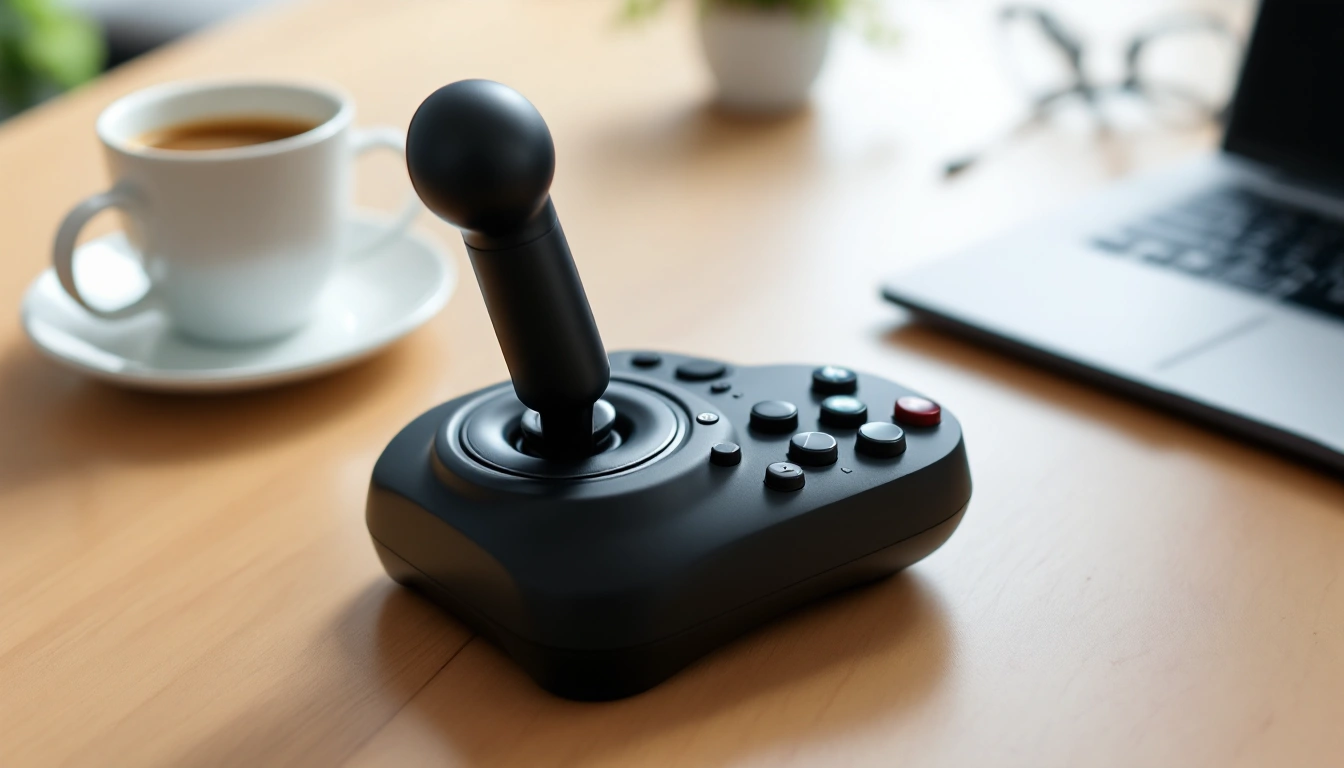
What's covered9
HOTAS stands for Hands On Throttle And Stick. It means a flight stick and a throttle built to work together. The buttons and switches you use most sit on both units, so you never have to let go of either one to fly. The idea comes straight from military fighter cockpits, where every vital function has to stay under the pilot's fingers.
Where the HOTAS idea comes from
HOTAS started in real fighter aircraft. An early example was the British English Electric Lightning interceptor in the late 1950s. The idea spread through modern fighter jets. It then became the standard control layout for flight sims, including Microsoft Flight Simulator, DCS World and X-Plane.
Flight-sim HOTAS gear copies that layout. One hand stays on a center stick for pitch and roll. The other stays on a throttle lever for power, and often for the rudder too. Our HOTAS meaning guide covers the full history.
Who a HOTAS actually suits
A HOTAS is built around a center stick. That matches fighter jets and most combat aircraft. Maybe you mainly fly airliners or small trainers, the planes that use a wheel-style yoke in real life.
Then a yoke and throttle quadrant will usually feel more natural. Plenty of simmers own both and switch based on what they fly that day. Our flight sim yoke roundup covers the yoke side.
The console compatibility catch
This is the detail that trips people up most. PC support does not mean Xbox or PlayStation support. Most HOTAS systems only connect to a PC. To work on a console, a controller has to be built and licensed for that platform.
Always check the exact listing for that label before you buy HOTAS gear for a console. It is a hardware license rule, not something a driver update can fix later. If you already know you are shopping for PC, our flight stick for PC roundup below covers current picks at several price levels.
What to look at once you have picked HOTAS
Once you know a HOTAS fits how you fly, look at a few specs next. Check the number of buttons and axes. Check whether the throttle has two separate levers, which helps with twin-engine planes. Then look at the build. Metal bases and grips hold up better than plastic under heavy, repeated use.
Sensor type matters too. Standard sensors cost less but wear where the parts touch over time. Hall-effect sensors read position with magnets and nothing touching. So they tend to hold their center longer under heavy use.
Desk space is a real limit that most first-time buyers overlook. A HOTAS needs a flat, stable surface wide enough for the stick and throttle to sit without their cables pulled tight. A two-lever throttle needs more depth than a single-lever one. If space is tight, check a model's footprint before its button count. A HOTAS that doesn't fit your desk is no use, however good its specs.
Choosing by brand once you know your platform
Once your platform is set, you may want to compare one brand's full range side by side. Our Thrustmaster HOTAS guide walks through that maker's entire lineup. It runs from budget PC sticks to console-licensed models and a metal flagship.
Choosing by the game you actually fly
Some games push you toward one kind of HOTAS more than others. Space-combat games like Elite Dangerous reward a stick with a twist-rudder axis. They also need plenty of buttons for weapons and ship systems. A fighter sim leans on the same layout for radar and weapons instead. Our Elite Dangerous HOTAS roundup covers that case in more depth, if that game is driving your purchase.
Mounting and first setup
Most HOTAS sets sit on a desk with no extra hardware. If your desk is too high or too deep, a chair mount puts the stick and throttle at your sides instead. Our HOTAS chair mount roundup covers those. Once it is placed, plan an evening for calibration and button binding. Our HOTAS setup guide walks through that step by step.
More in this guide
- Elite Dangerous HOTAS: the best stick-and-throttle picks for space combat and trading.
- Flight stick for PC: matched HOTAS systems built for PC, from budget to flagship.
- HOTAS 4: a closer look at the Thrustmaster T.Flight HOTAS 4.
- HOTAS chair mount: mounting a stick and throttle to your gaming chair instead of a desk.
- HOTAS meaning: the full term, its real-world origin, and related acronyms like HOSAS.
- HOTAS setup: mounting, calibration and binding your first profile.
- PS5 HOTAS: current picks licensed for PlayStation 5.
- T.Flight HOTAS 4: the PlayStation-licensed Thrustmaster stick in more depth.
- T.Flight HOTAS X: Thrustmaster's budget PC entry point.
- Thrustmaster HOTAS Warthog joystick and throttle: the original Warthog stick and throttle halves explained.
- Thrustmaster HOTAS Warthog joystick: the Warthog stick on its own, paired with the current MKII.
- Thrustmaster HOTAS: the full Thrustmaster lineup compared by platform and build.
- Thrustmaster T.Flight HOTAS 4 for PS5: a closer look at PS5 compatibility specifically.
- Thrustmaster T.Flight HOTAS One: Thrustmaster's officially licensed Xbox stick.
- VKB HOTAS: the Gladiator, Gunfighter and STECS lines explained.
- Warthog HOTAS: the current Warthog MKII set compared against the original stick.
- X56 HOTAS: Logitech's twin-throttle system compared with the X52 Pro.
- Xbox flight stick: current picks licensed for Xbox consoles.
Verdict: is a HOTAS right for you
Choose a HOTAS if most of your flying is in combat aircraft, fighters or anything flown with a center stick in real life. Choose a yoke setup if you mainly fly airliners or small trainers. A wheel-style yoke matches how those real planes are flown far more closely. Once you know a HOTAS fits, confirm your platform first, since PC support never promises console support. Then use the guides above to narrow down a model and brand.
Our picks in this topic
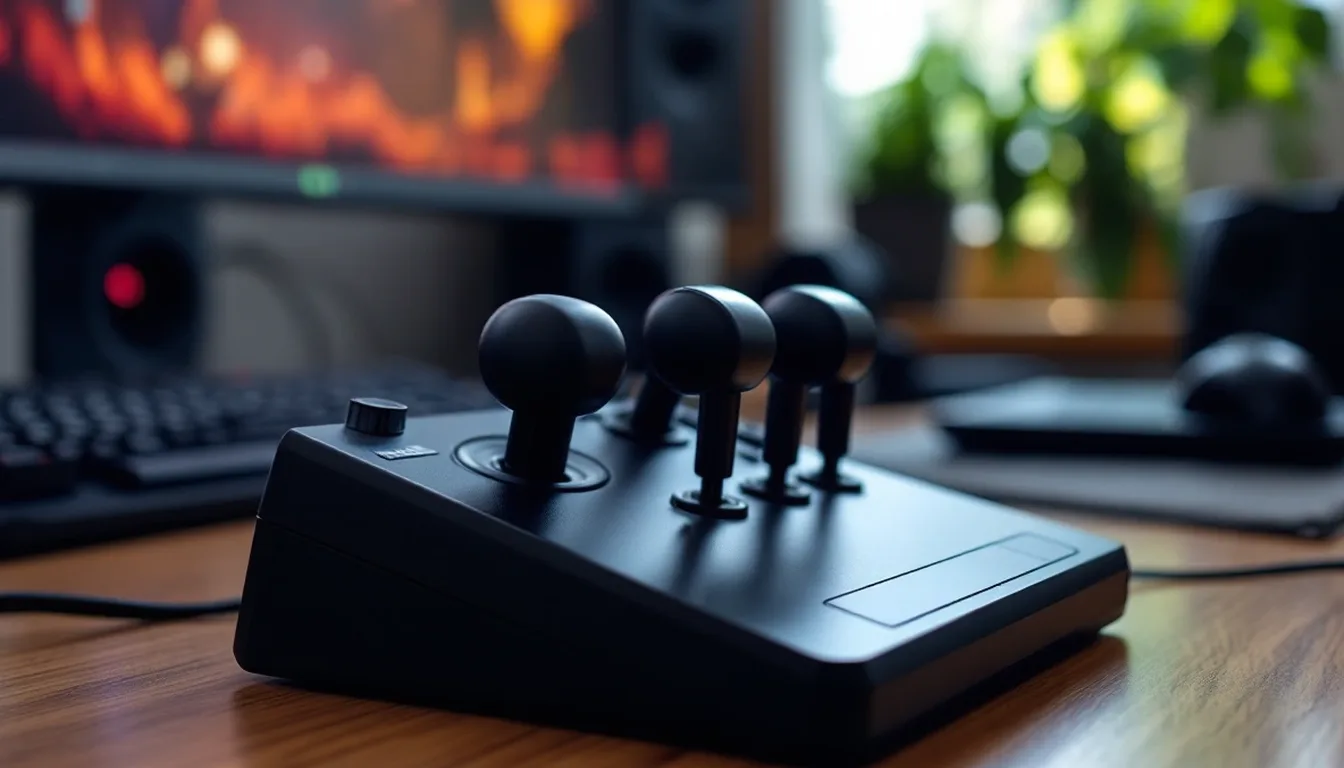
5 picks
5 Best Elite Dangerous HOTAS Systems in 2026
Five HOTAS systems for Elite Dangerous compared, from a budget starter stick to a purpose-built space-combat set.
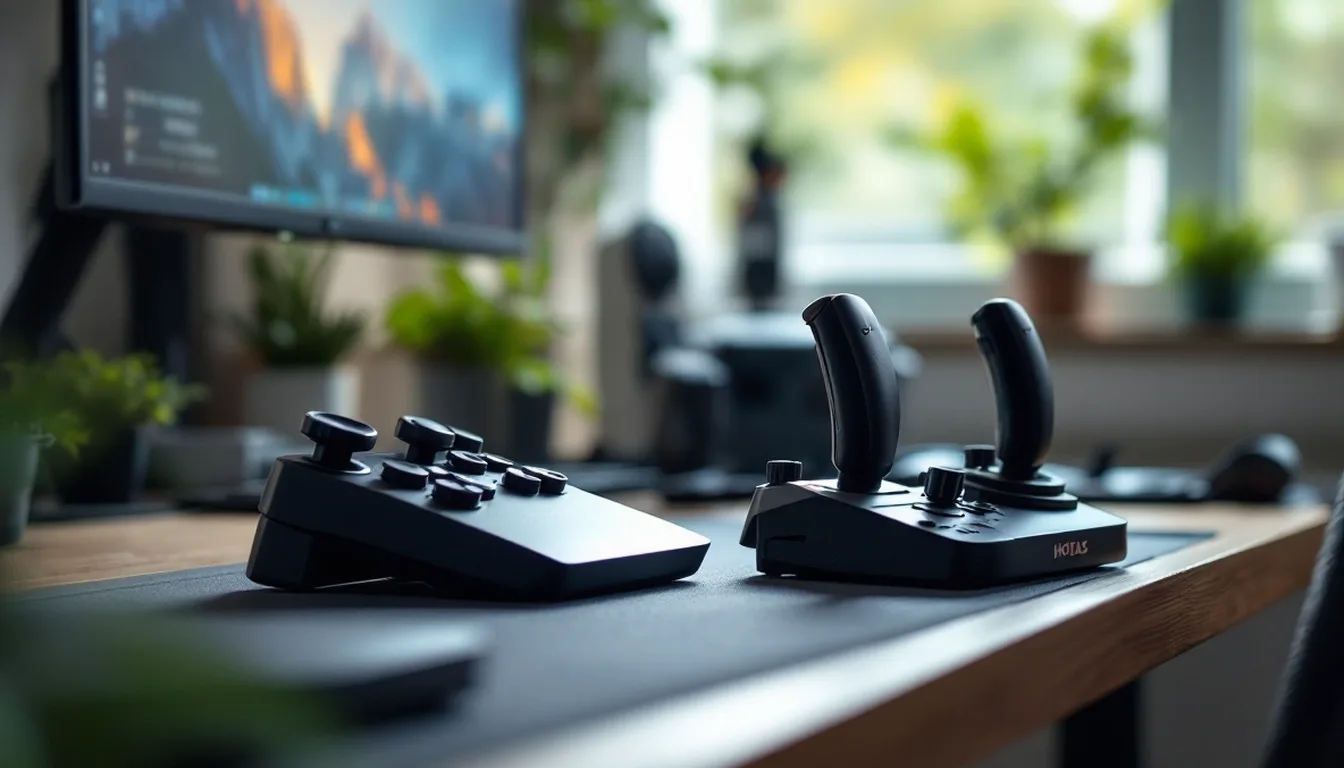
6 picks
6 Best Flight Sticks for PC in 2026
Six matched HOTAS systems for PC compared, from a budget stick and throttle pair to a metal-built flagship.
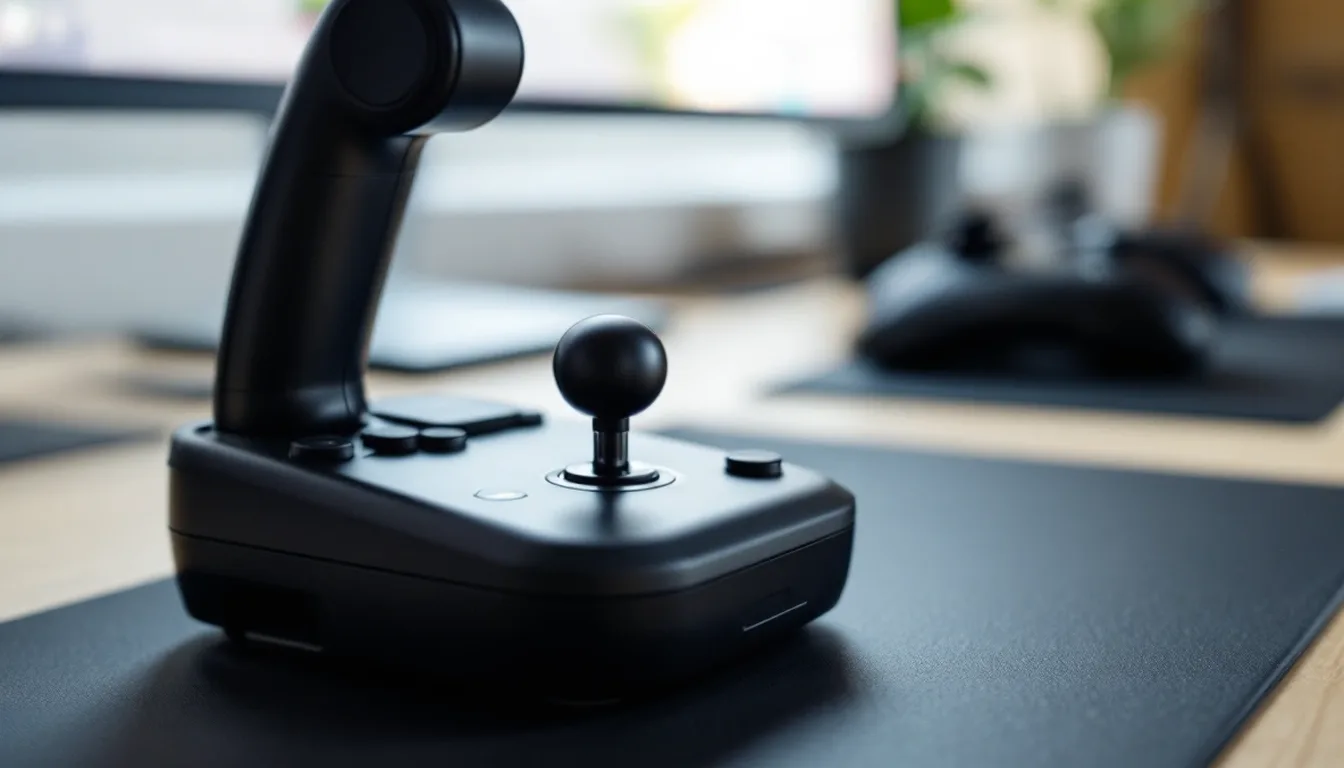
2 picks
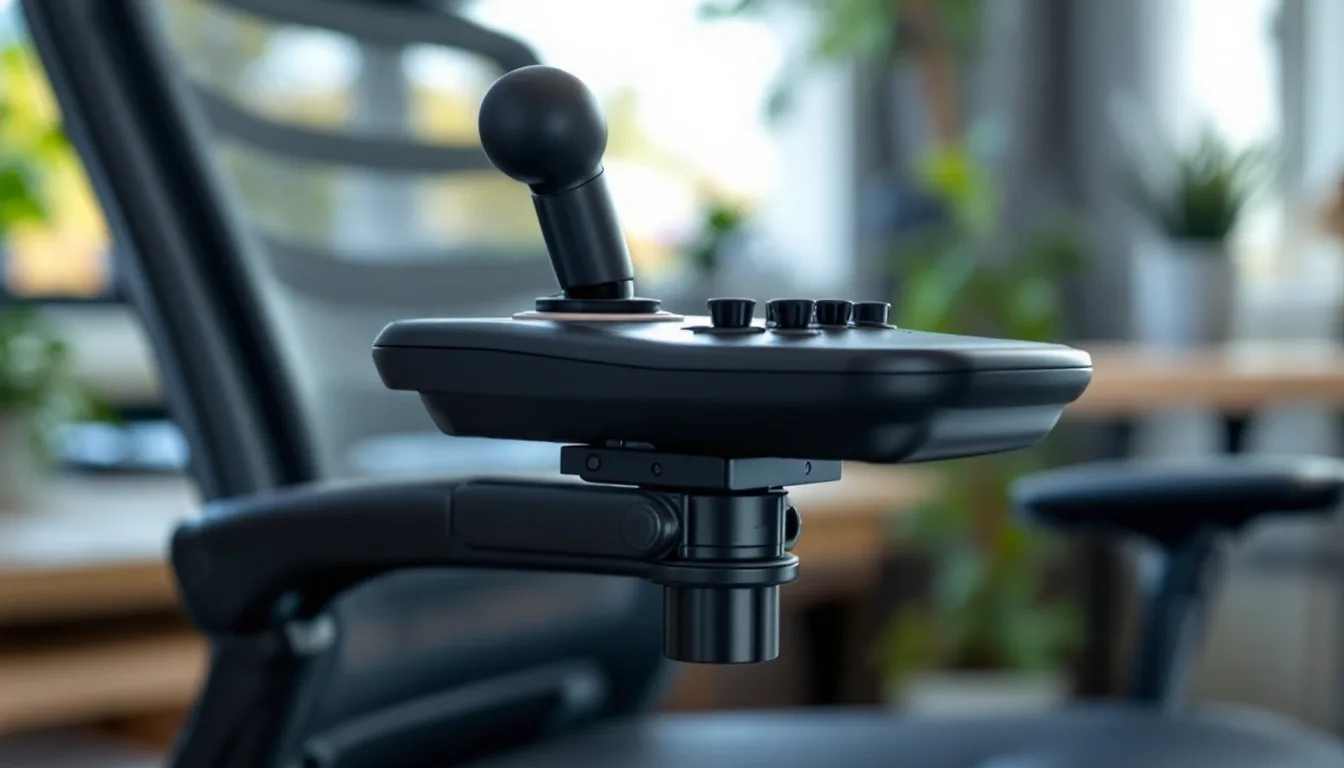
HOTAS 4: Thrustmaster's PS4, PS5 and PC Stick Explained in 2026
HOTAS 4 refers to Thrustmaster's T.Flight HOTAS 4, a joystick and throttle for PS4, PS5 and PC. Here's what it includes and who it actually fits.
4 picks
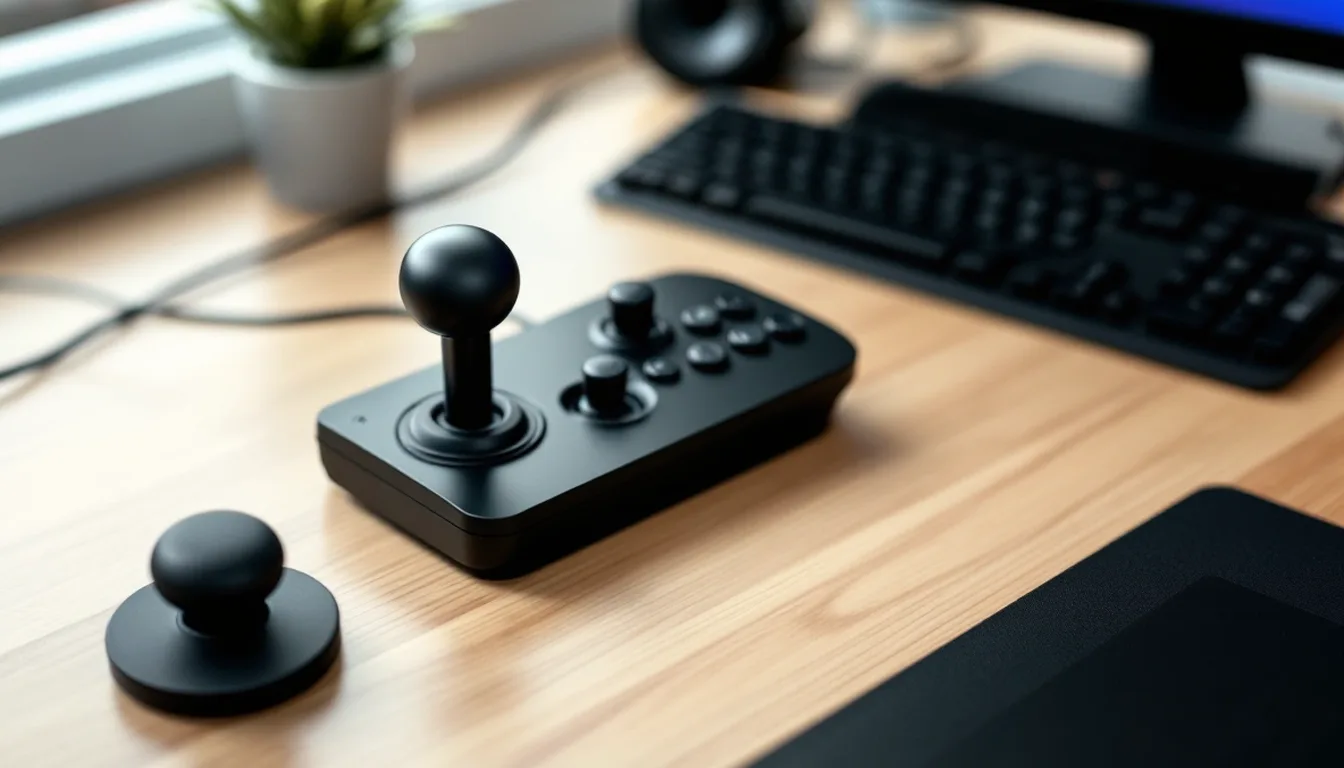
4 Best HOTAS Chair Mounts in 2026
Our top HOTAS chair and desk mount picks, plus a full seated frame if you want more than a mount alone.
2 picks
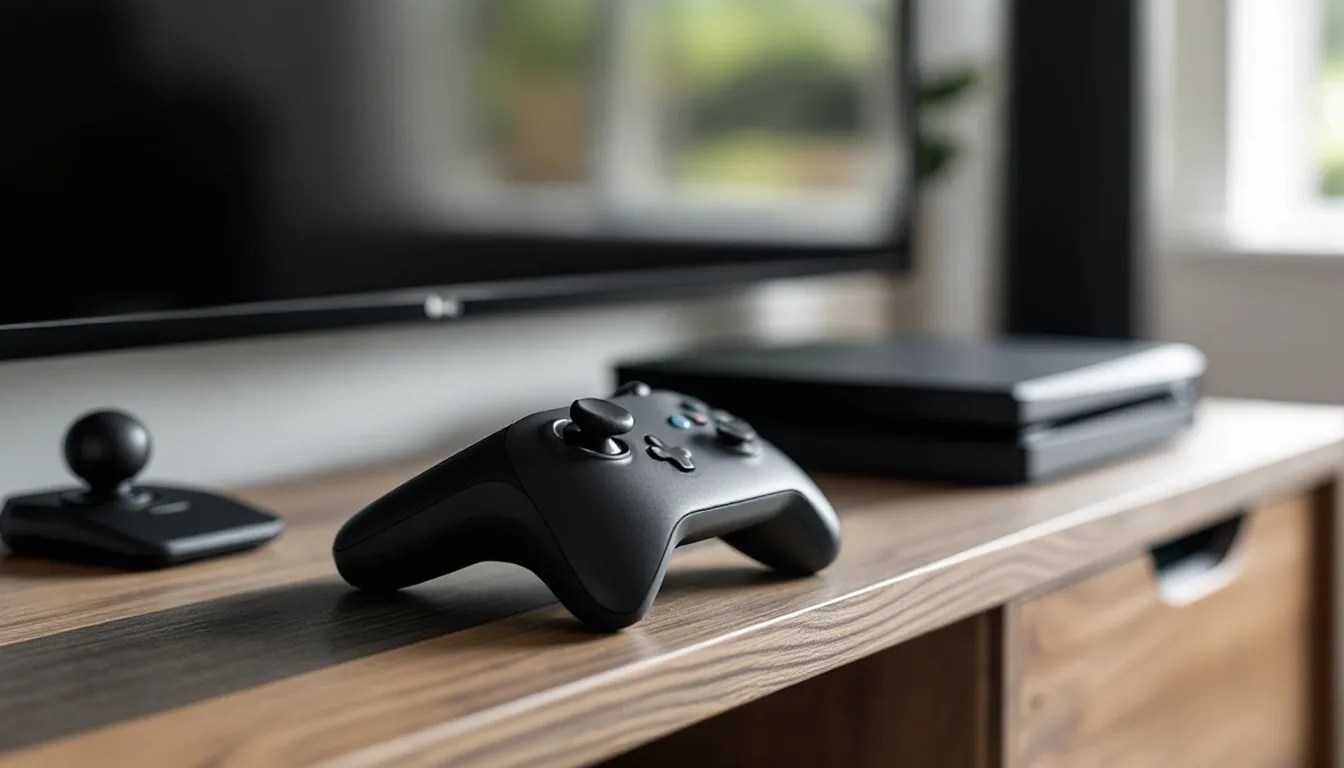
T.Flight HOTAS 4: Full Spec Breakdown Before You Buy in 2026
The Thrustmaster T.Flight HOTAS 4 is a PS5, PS4 and PC stick and throttle. Here's what it includes, what the TFRP pedal add-on brings, and who it fits.
3 picks
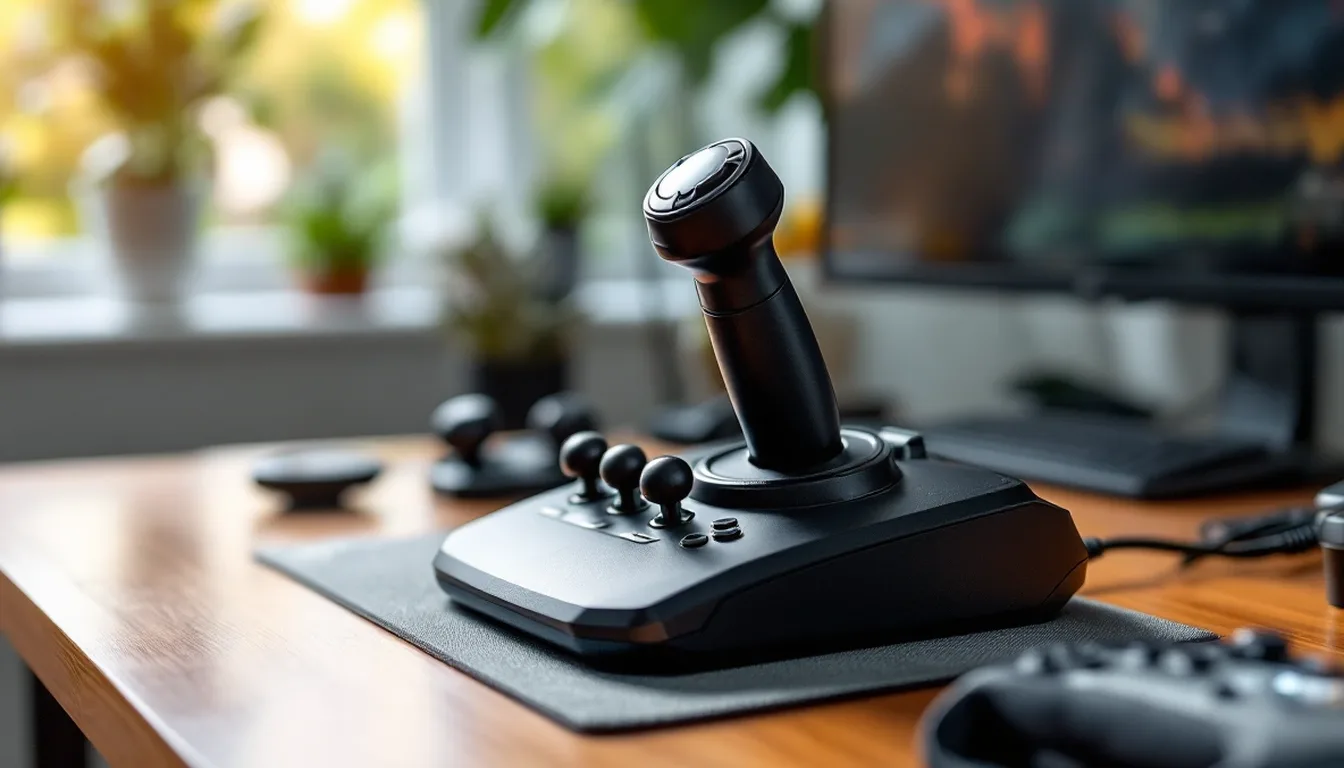
3 Best PS5 HOTAS Sticks in 2026
The best PS5 HOTAS options right now, all officially licensed for the console, compared for flight sim and combat flying.
2 picks
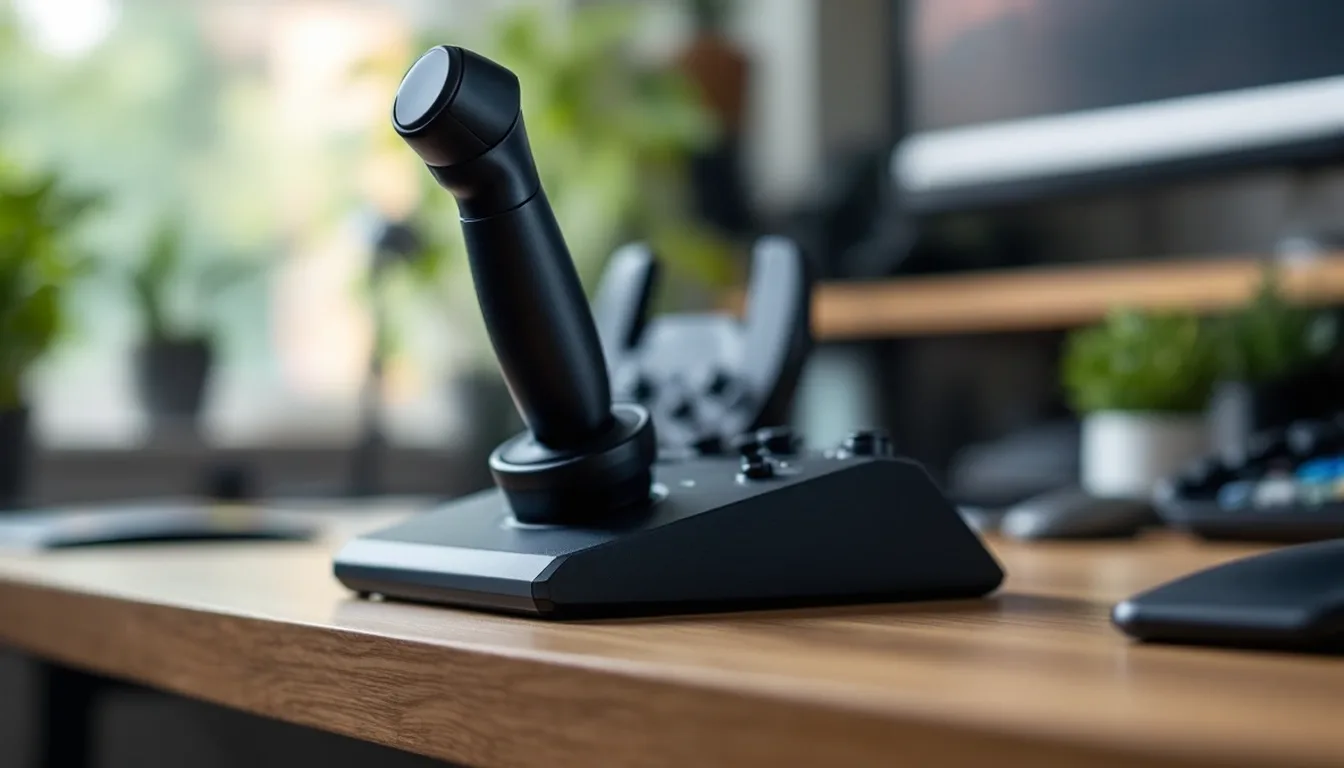
T Flight HOTAS X: Thrustmaster's Entry-Level Stick and Throttle in 2026
The Thrustmaster T.Flight HOTAS X is a budget PC and PS3 stick-and-throttle combo. Here's what it includes and how it compares to the step-up T.16000M FCS HOTAS.
2 picks
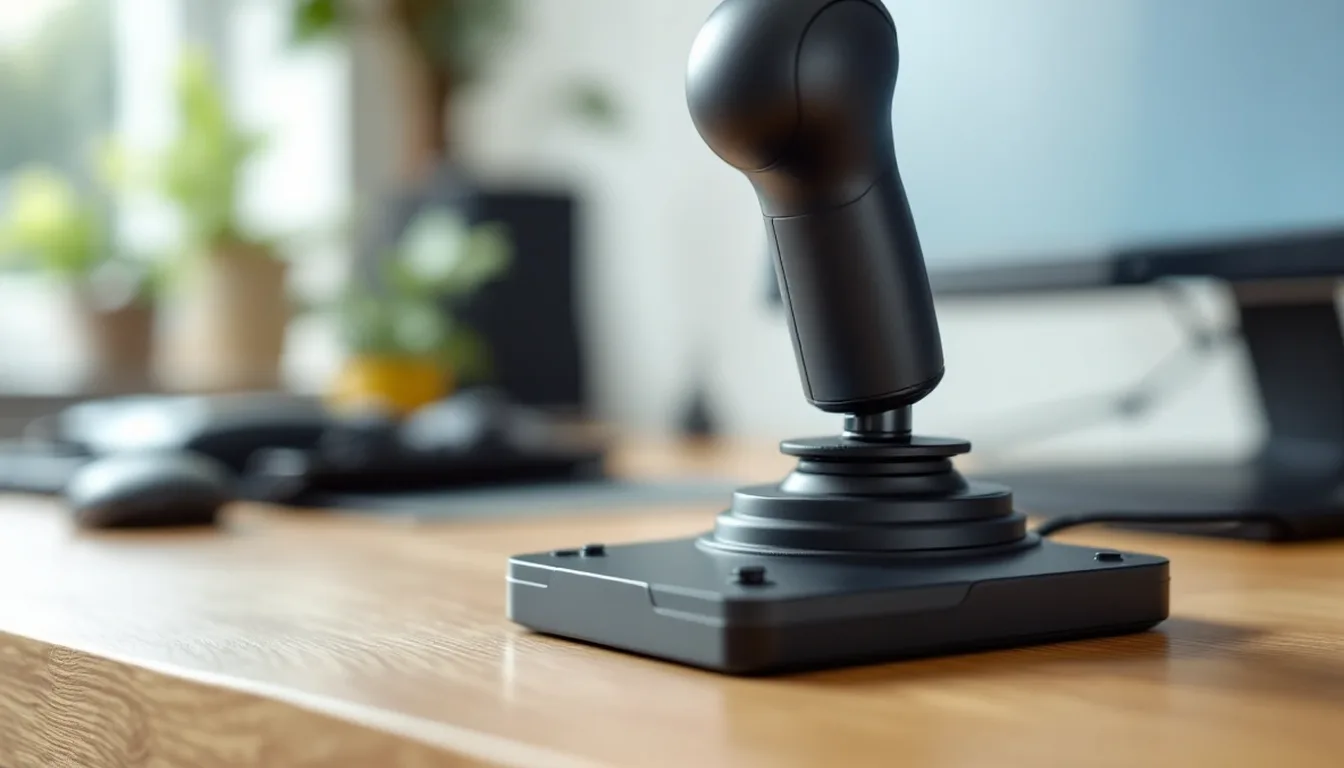
Thrustmaster HOTAS Warthog Joystick and Throttle: Buying the Full System in 2026
What you get with the Thrustmaster HOTAS Warthog stick and throttle, how the newer MKII redesign changes things, and who should buy the full set.
2 picks
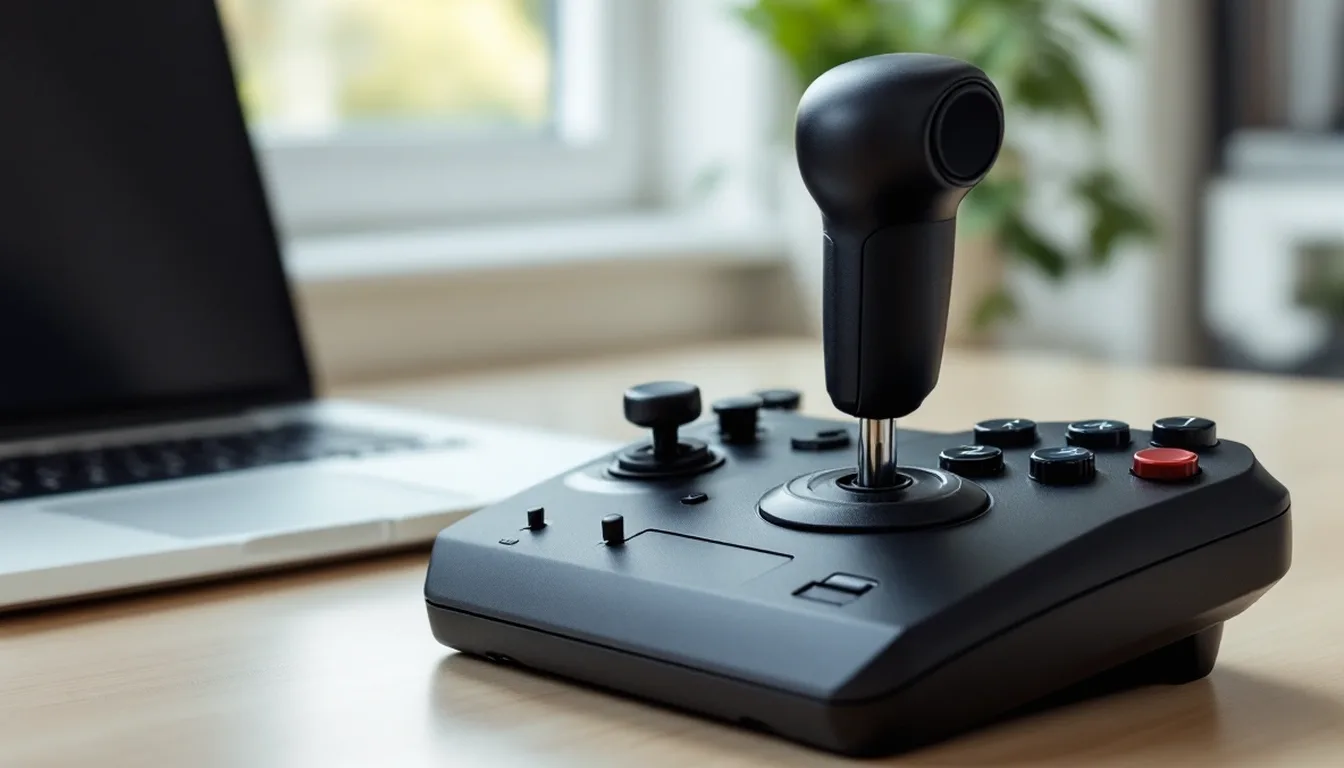
Thrustmaster HOTAS Warthog Joystick: Stick, Base, and MKII Explained in 2026
A closer look at the Thrustmaster HOTAS Warthog stick: its metal base, sensor tech, and how it compares to the newer Warthog MKII.
6 picks
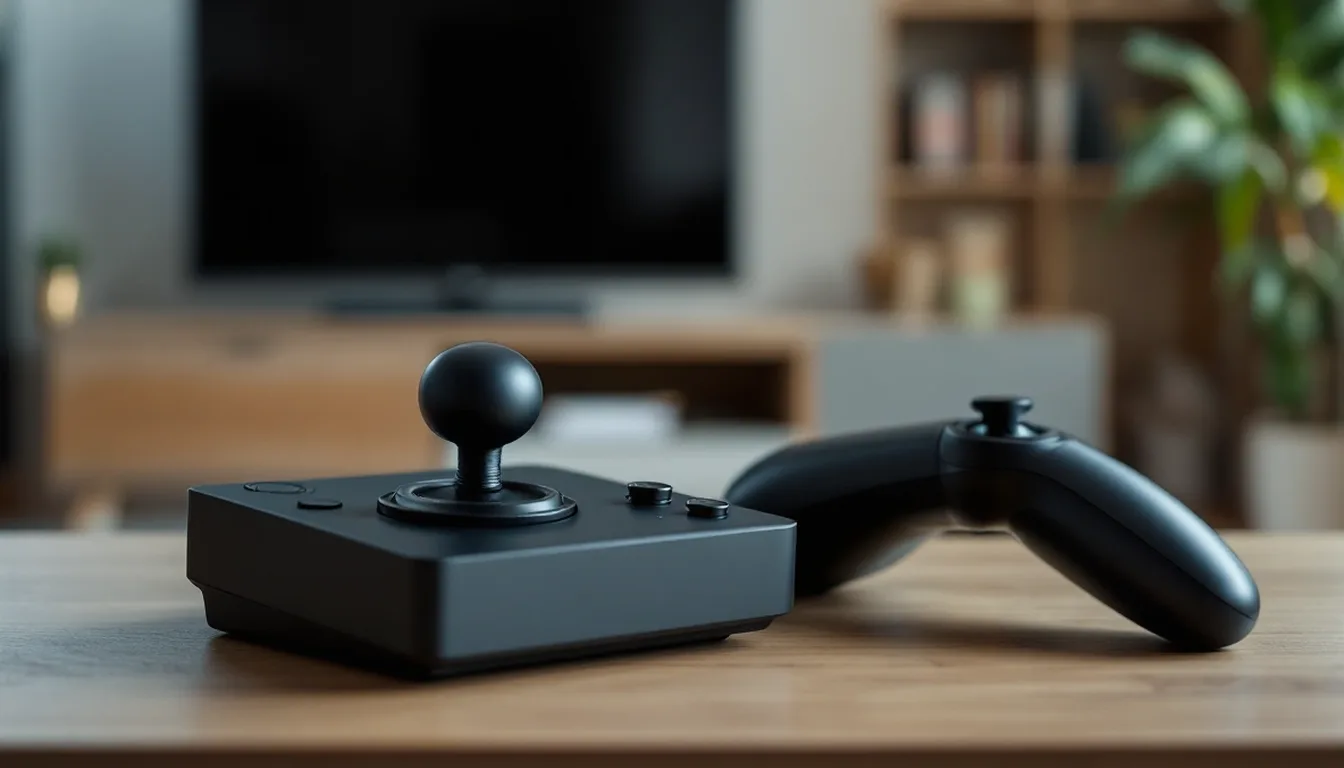
6 Thrustmaster HOTAS Systems Compared in 2026
Thrustmaster's HOTAS lineup compared by build, buttons and platform, from the budget T.Flight HOTAS X to the flagship Warthog MKII.
2 picks
Thrustmaster T-Flight HOTAS 4 for PS5: Before You Buy in 2026
The Thrustmaster T.Flight HOTAS 4 works on PS5 and PS4. Here's what it includes, how it compares to the newer HOTAS 5, and its Xbox limits.
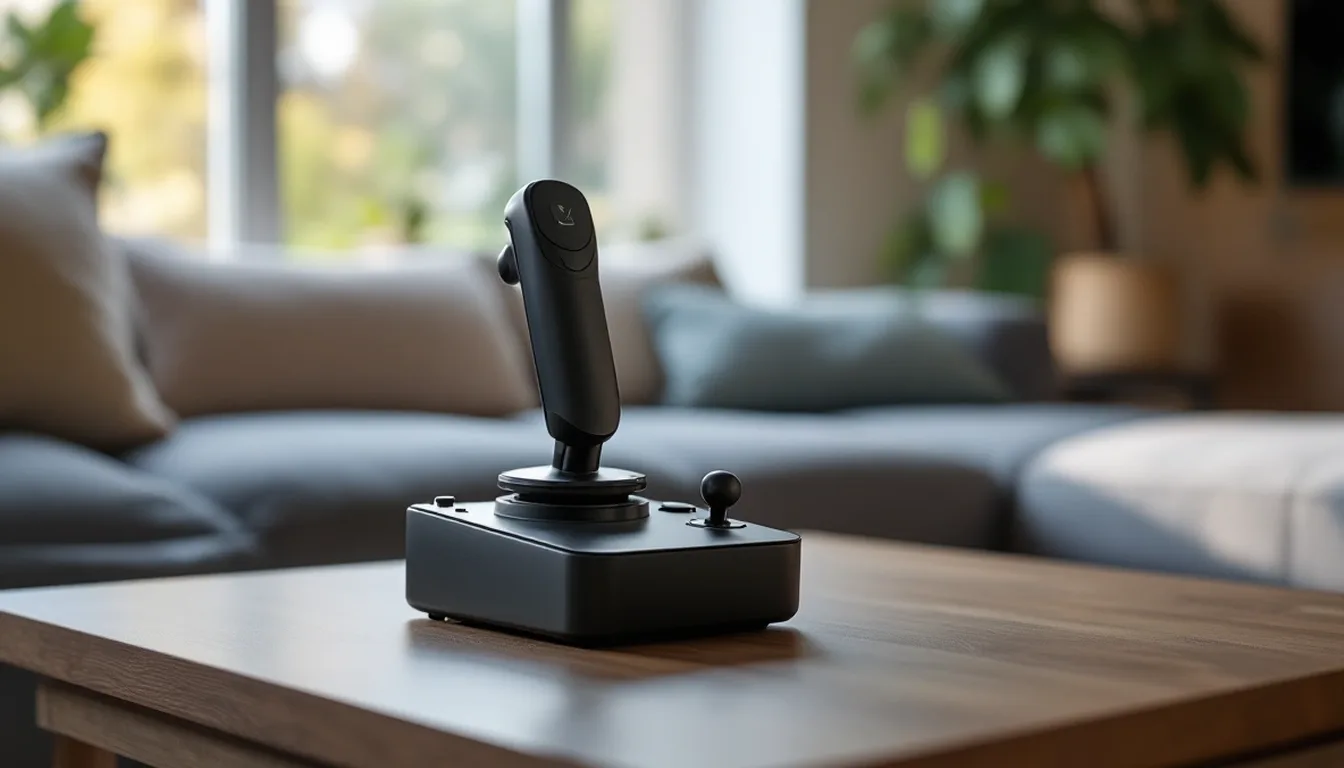
2 picks
Thrustmaster T.Flight HOTAS One: The Xbox HOTAS in 2026
The Thrustmaster T.Flight HOTAS One is built for Xbox Series X|S, Xbox One and PC. Here's what it includes and how the Full Kit X compares.

2 picks
Warthog HOTAS: What's Actually in the Box in 2026
A spec-first look at the Thrustmaster HOTAS Warthog MKII: what's included, build materials, controls, and PC-only connectivity.
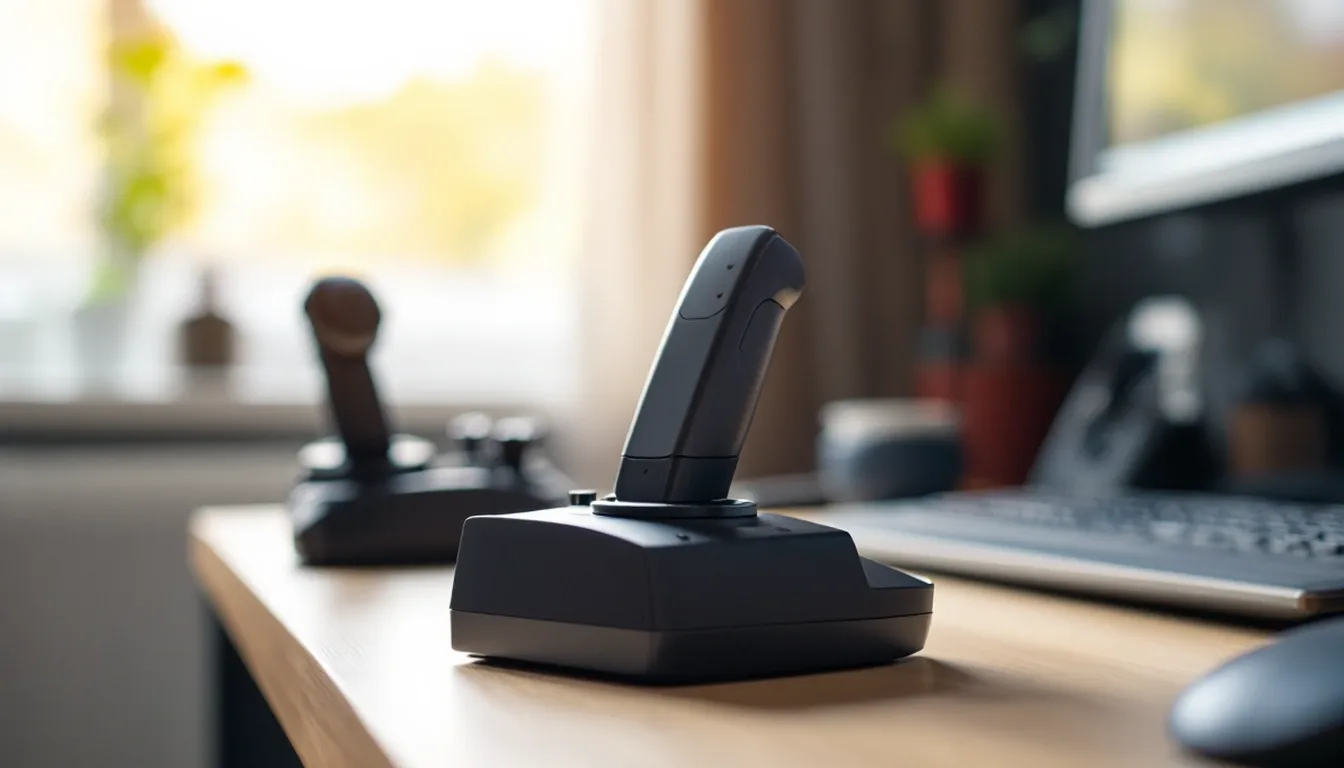
2 picks
X56 HOTAS: Logitech's Dual-Throttle Rhino System Explained in 2026
The Logitech G X56 HOTAS pairs a stick with twin throttles and mini analog sticks. Here's what it includes and how it compares to the X52 Pro.
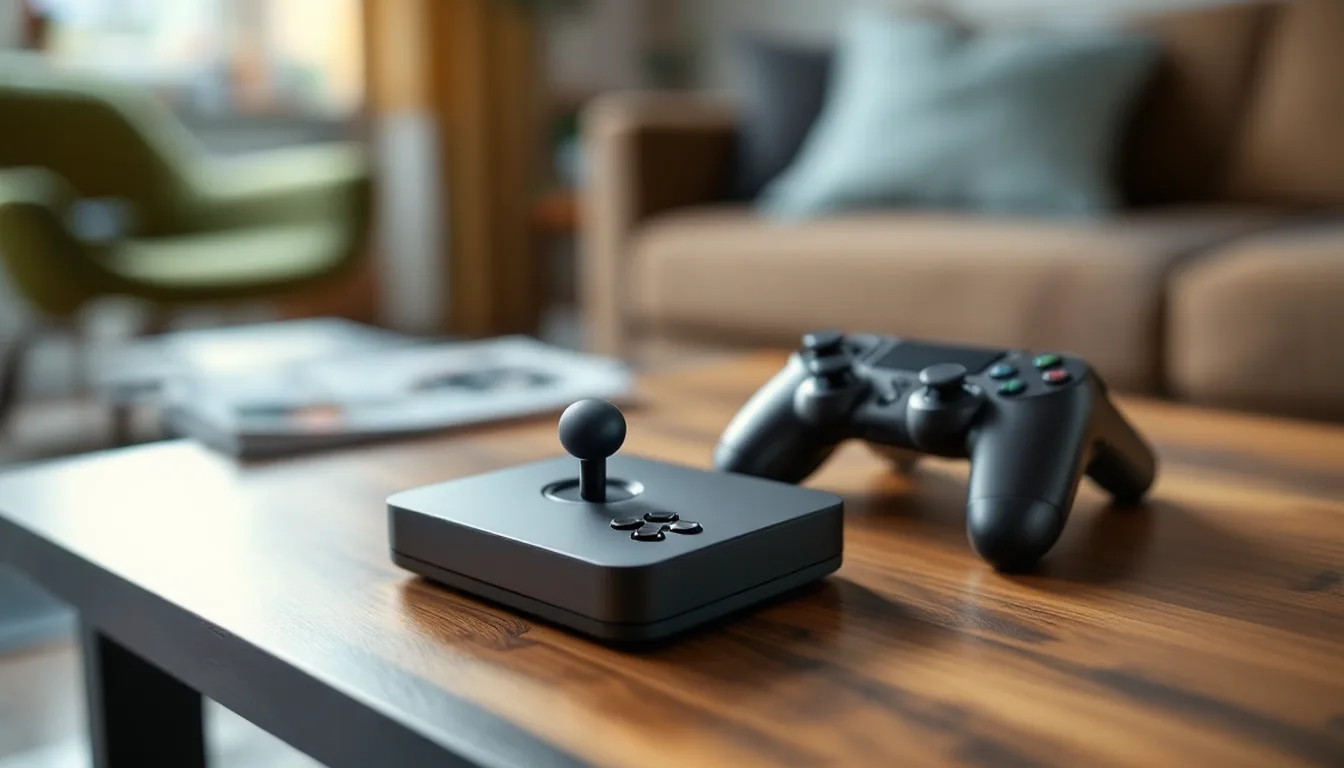
4 picks
4 Best Xbox Flight Sticks in 2026
The best Xbox flight stick options, all officially licensed for Xbox Series X|S, compared by buttons, axes, and included pieces.
FAQ
Is HOTAS better than a single joystick?
For anything beyond casual flying, yes. A separate throttle frees your other hand for engine and system controls instead of sharing one stick for everything, which is closer to how real cockpits are laid out.
Can I use a HOTAS for civilian airliner flying?
You can, but a yoke and throttle quadrant will feel more natural for airliners and most GA trainers, since that is what the real aircraft use. HOTAS is built around a fighter-style center stick.
Do all HOTAS systems work on Xbox?
No. Most HOTAS hardware is PC only. Only models explicitly licensed for Xbox Series X/S will connect to that console, and PlayStation licensing is a separate, distinct requirement again.