8 Best Flight Controllers for Flight Simulator in 2026
The short answer
Most simmers should start with one matched HOTAS or yoke system built for the aircraft they fly most, then add rudder pedals once ground handling and crosswinds matter. The Honeycomb Alpha suits airliners and GA trainers, and the Thrustmaster T.16000M FCS HOTAS suits PC combat flying.
Picking the right flight controller for flight simulator use starts with one question: what do you actually fly? A HOTAS suits fighters and combat aircraft with a center stick. A yoke suits airliners and small trainers built around a wheel. Below are eight current, well-documented options across both types. The list also includes the console-licensed picks that matter if you fly on Xbox instead of PC.
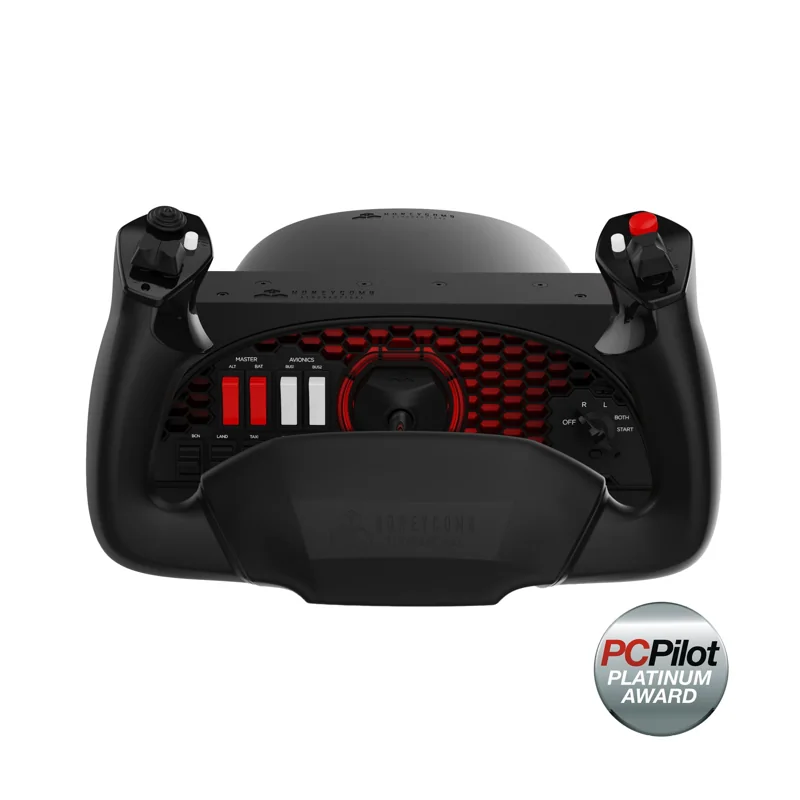
#1. Honeycomb Alpha Flight Controls: best yoke for GA and airliner flying
Keep in mind: it ships without a full throttle quadrant, so flaps and mixture levers are not separate physical controls.
The Alpha turns a true 180 degrees on a solid steel shaft that rides on two linear ball bearings. It centers itself and keeps the dead zone very small. A built-in switch panel adds the master and alternator switches, plus avionics and light switches. It also has a 5-way ignition switch with red backlighting for night flying. It mounts with two clamps or a suction pad, and it connects to a PC over USB.
The Alpha has no throttle levers of its own. For airliner flying, with separate levers for flaps and gear, plus reverse thrust, pair it with a throttle quadrant like the Honeycomb Bravo. Our Honeycomb flight sim page covers the full set.
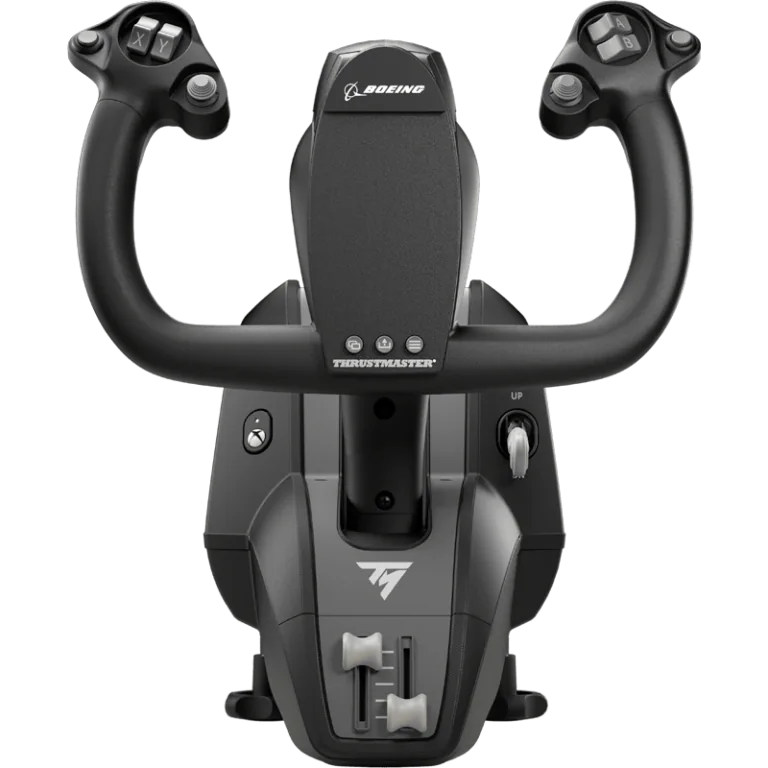
#2. Thrustmaster TCA Yoke Boeing Edition: best licensed yoke for Xbox and PC
Keep in mind: it is a yoke on its own, so a separate throttle quadrant handles flaps and reverse thrust.
This is one of the few yokes licensed by both Boeing and Xbox. It is modeled on the Boeing 787 yoke. A pendulum design gives it 8.3 inches of travel, with spring tension you can adjust.
The frame inside is all metal. The yoke has 18 buttons, plus 2 more axes on its base. It connects over USB-C to an Xbox Series X|S, an Xbox One or a PC.
Most yoke hardware works on PC only. So this one is worth knowing if you fly airliners on a console.
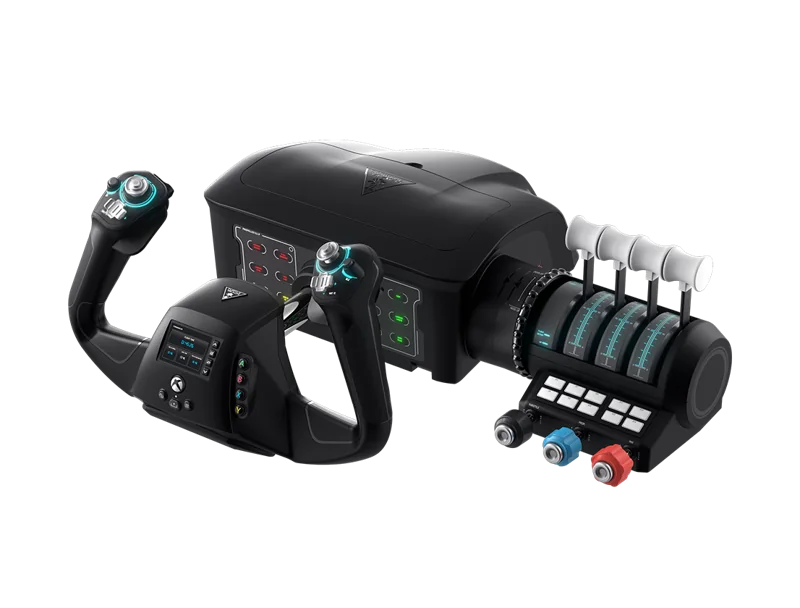
#3. Turtle Beach VelocityOne Flight: best all-in-one Xbox flight control
Keep in mind: it is a fixed all-in-one unit rather than separate parts you can mix and match.
The VelocityOne Flight combines a yoke, a throttle quadrant and a trim wheel in one unit. The yoke turns 180 degrees, read by a Hall-effect sensor. Rudder and brake controls sit on the unit itself, so you don't need separate pedals to start. It runs on Xbox Series X|S, Xbox One and Windows PC.
It is the most complete single purchase for Xbox. It bundles what would otherwise be three pieces of hardware into one licensed unit.
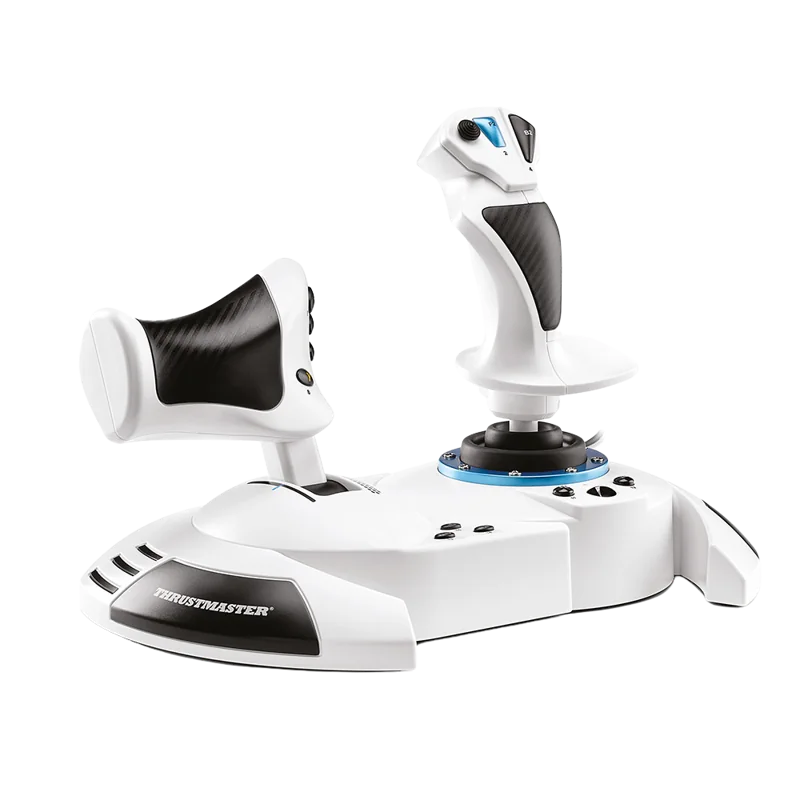
#4. Thrustmaster T.Flight HOTAS One (MSFS Edition): best HOTAS for Xbox and PC
Keep in mind: adding rudder pedals means buying the Thrustmaster TFRP separately.
The HOTAS One is officially licensed for Microsoft Flight Simulator on both Xbox Series X|S and PC. It has 5 axes, 14 buttons and a rapid-fire trigger. The throttle detaches from the stick for desk or lap use. That matters if you play on a couch rather than at a desk. For rudder pedals, add the TFRP, sold on its own.
Most classic PC-only HOTAS gear won't connect to an Xbox at all. That is what makes a licensed unit like this one worth a look when you shop for Xbox.
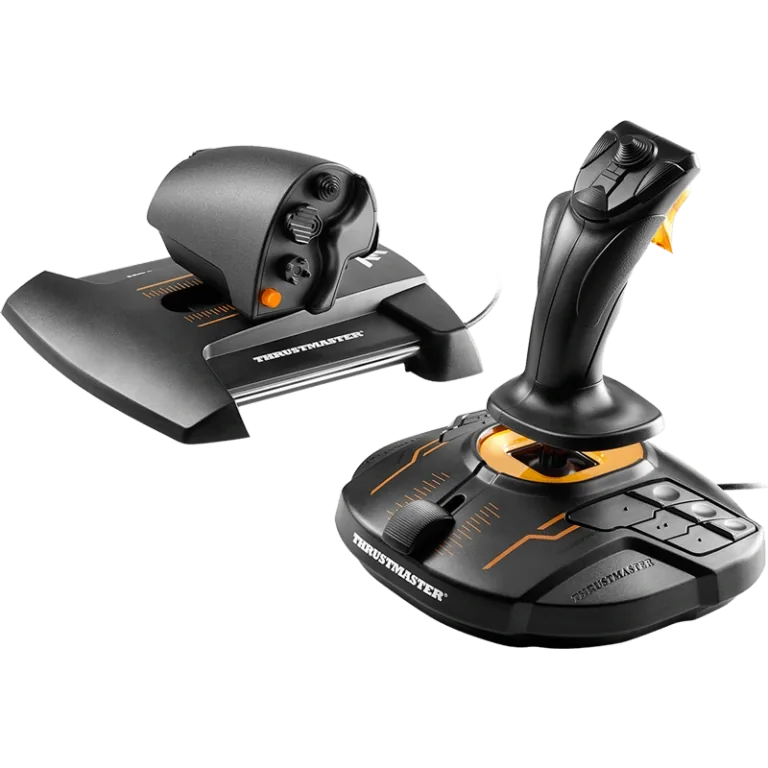
#5. Thrustmaster T.16000M FCS HOTAS: best PC HOTAS for precision
Keep in mind: it is PC only, with no Xbox or PlayStation licensing.
This set pairs the T.16000M stick with the TWCS throttle. The stick uses Hall-effect magnetic sensors, so its precision doesn't fade with wear. It has 4 axes, including a twist rudder, and 16 buttons. The throttle adds 14 more buttons, a slider and a small thumb stick. It connects over USB to PC only.
Hall-effect sensors matter more than most buyers expect at first. A stick with this sensor type tends to feel precise years into regular use. Sticks with contact-based sensors can drift.
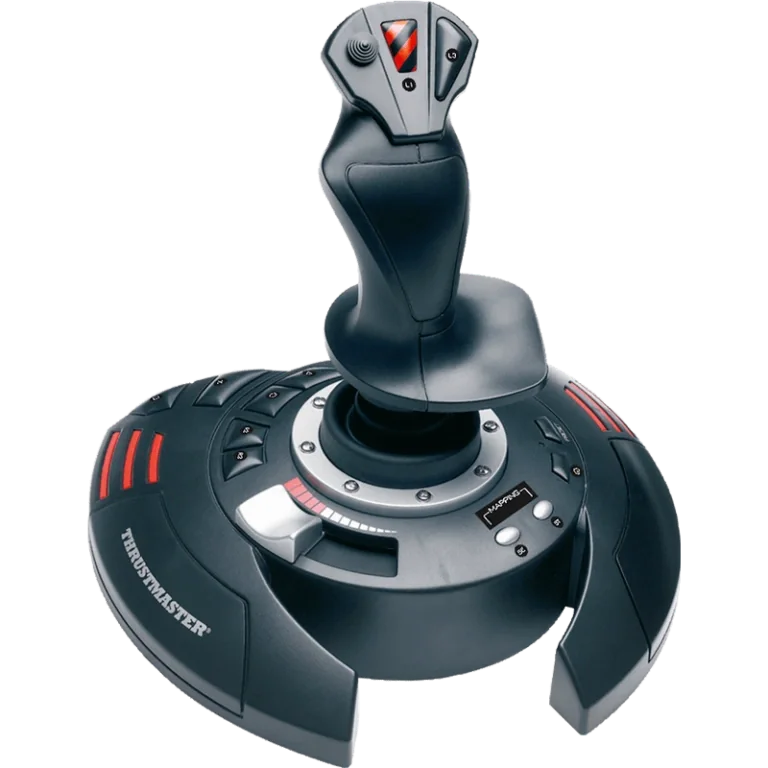
#6. Thrustmaster T.Flight Stick X: best budget joystick for casual flying
Keep in mind: it has no separate throttle unit, so it is not a true HOTAS setup.
The T.Flight Stick X puts a throttle slider on the joystick base. It has 12 action buttons, four programmable axes and a twist rudder that you can lock. Thrustmaster lists PC and PS3 support. It is a simple way to try flight sims without starting with a two-piece HOTAS.
If you find yourself flying often after starting here, a HOTAS or yoke system is the natural next buy. A single stick isn't meant to be a permanent setup.
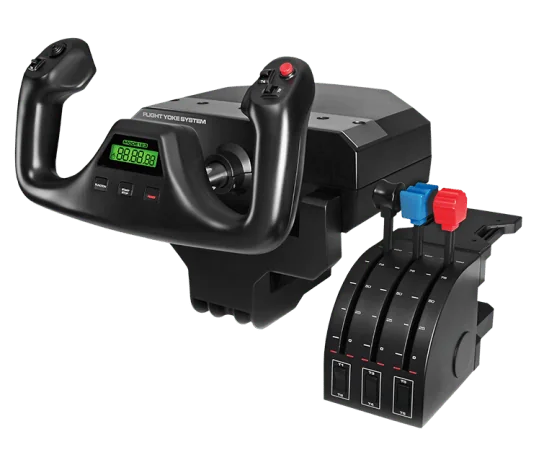
#7. Logitech G Pro Flight Yoke System: best yoke with built-in throttle quadrant
Keep in mind: it is Windows PC only, with no Xbox or PlayStation license.
This system ships with a three-lever throttle quadrant in the box, unlike a yoke sold alone. The yoke has a stainless steel shaft, 14 buttons, a POV hat and a 3-way mode switch. Two desk clamps come in the box, and it runs on Windows PC.
Since the quadrant is included, this is a more complete out-of-the-box buy than a yoke-only unit like the Honeycomb Alpha. The cost is that it works on Windows only. Our Logitech flight simulator page covers the rest of that lineup.
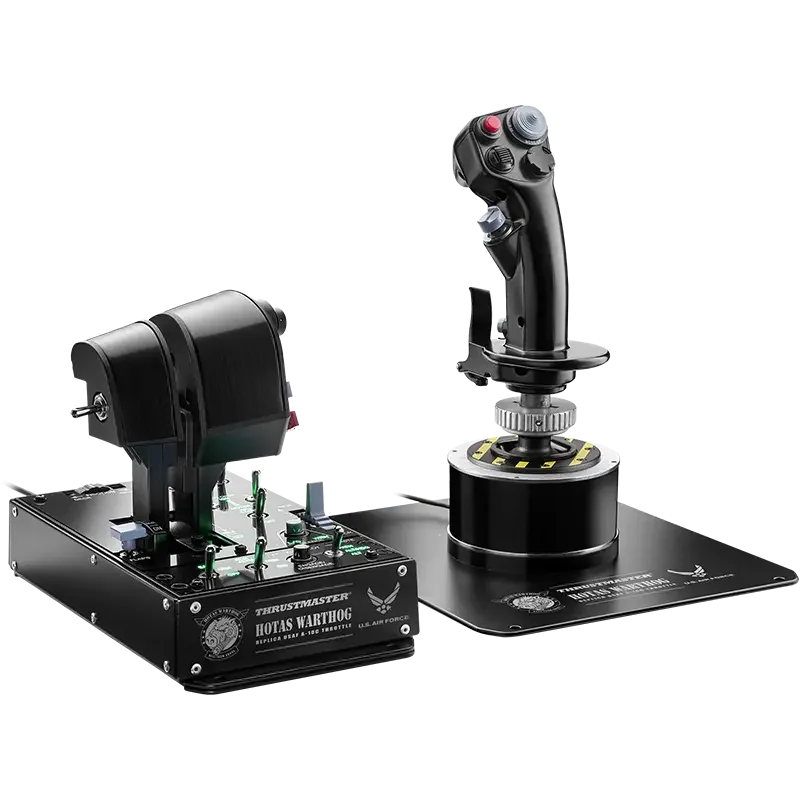
#8. Thrustmaster HOTAS Warthog MKII: best HOTAS for combat flight sim realism
Keep in mind: it is PC only and costs more than entry-level HOTAS units.
The MKII pairs a redesigned Warthog base with the A-10C throttle and a Viper grip. The grip has 19 buttons, including a 2-stage trigger. It uses Thrustmaster's H.E.A.R.T.
Hall-effect sensors throughout. It is built for simmers who fly a lot and want hardware that holds up for years. It connects to PC only.
This sits at the high end of the HOTAS range. It isn't the first buy for someone still deciding whether they'll fly often. It is a durable long-term pick for someone who knows combat flying is their main use.
Factors to consider when choosing a flight controller for flight simulator
Match the hardware to the aircraft, not the other way around
The biggest factor is what you fly. A HOTAS copies a fighter's center stick. A yoke copies the wheel found in airliners and most small trainers. Buying on looks, rather than on the type of plane you fly most, is the most common first-time mistake.
Sensor type decides long-term feel
Sticks with contact-based sensors cost less but can drift or develop dead spots after years of use. Hall-effect sensors read position with magnets instead of touch. The T.16000M and the Warthog MKII both use them, and their precision tends to hold up better. This rarely matters in the first few months. It decides how a stick feels after a couple of years.
Console compatibility is a licensing question, not a driver question
A controller must be built and labeled Designed for Xbox to connect to an Xbox Series X|S at all. The console enforces this, so no driver update or adapter gets around it. When you buy for Xbox, confirm the license on the exact listing. Don't assume a strong PC controller will work.
Button count is not the whole story
A high button count looks good on a spec sheet. The base and gimbal matter more for how a stick holds up and feels in long sessions. A stick with fewer buttons but a sturdier base and better sensors will usually outlast one with more buttons on cheaper parts.
What a HOTAS actually includes
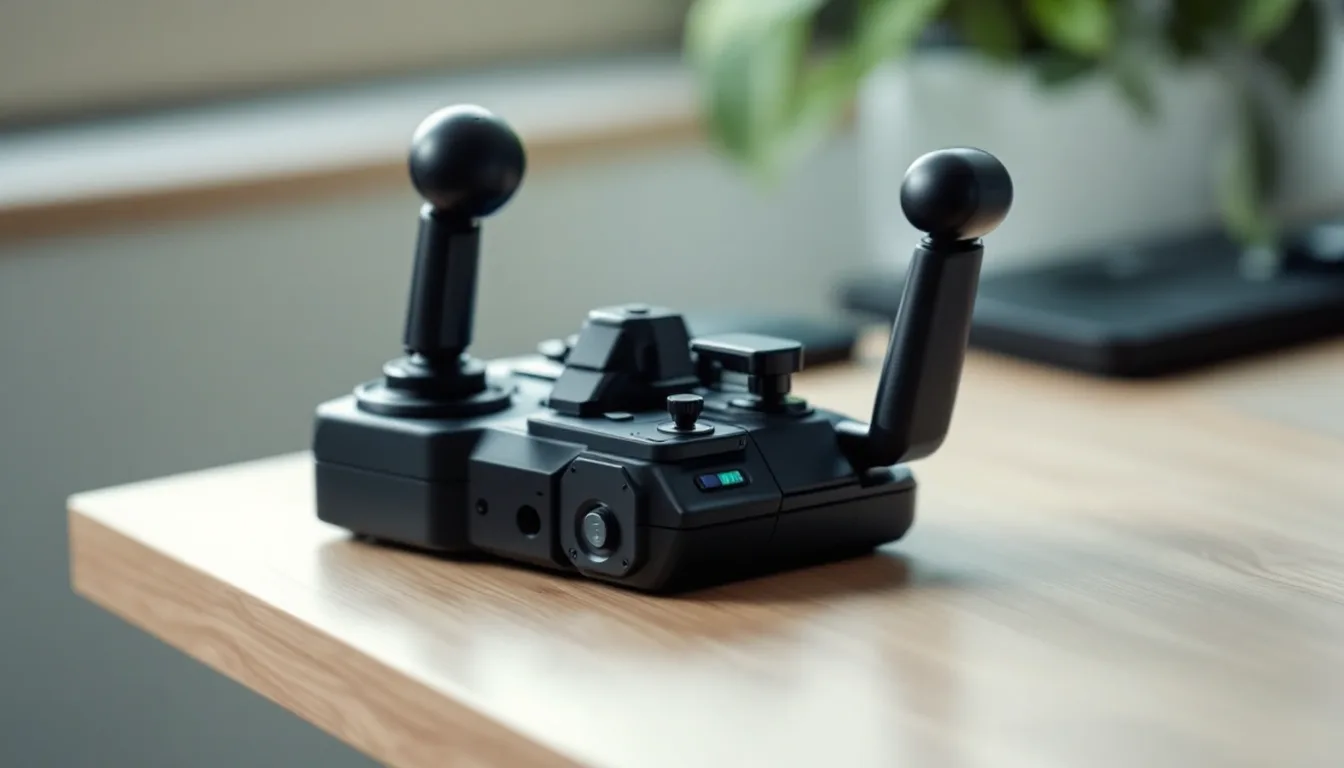
A HOTAS pairs a center stick with a separate throttle that usually detaches. You can use them together or apart, based on desk space. Entry-level units like the T.Flight HOTAS One cover the basics. You get a handful of axes, a dozen or more buttons and a rapid-fire trigger. High-end PC systems like the Warthog MKII add two throttle levers for twin-engine planes and a metal body built for years of heavy use.
What a yoke-and-throttle setup includes
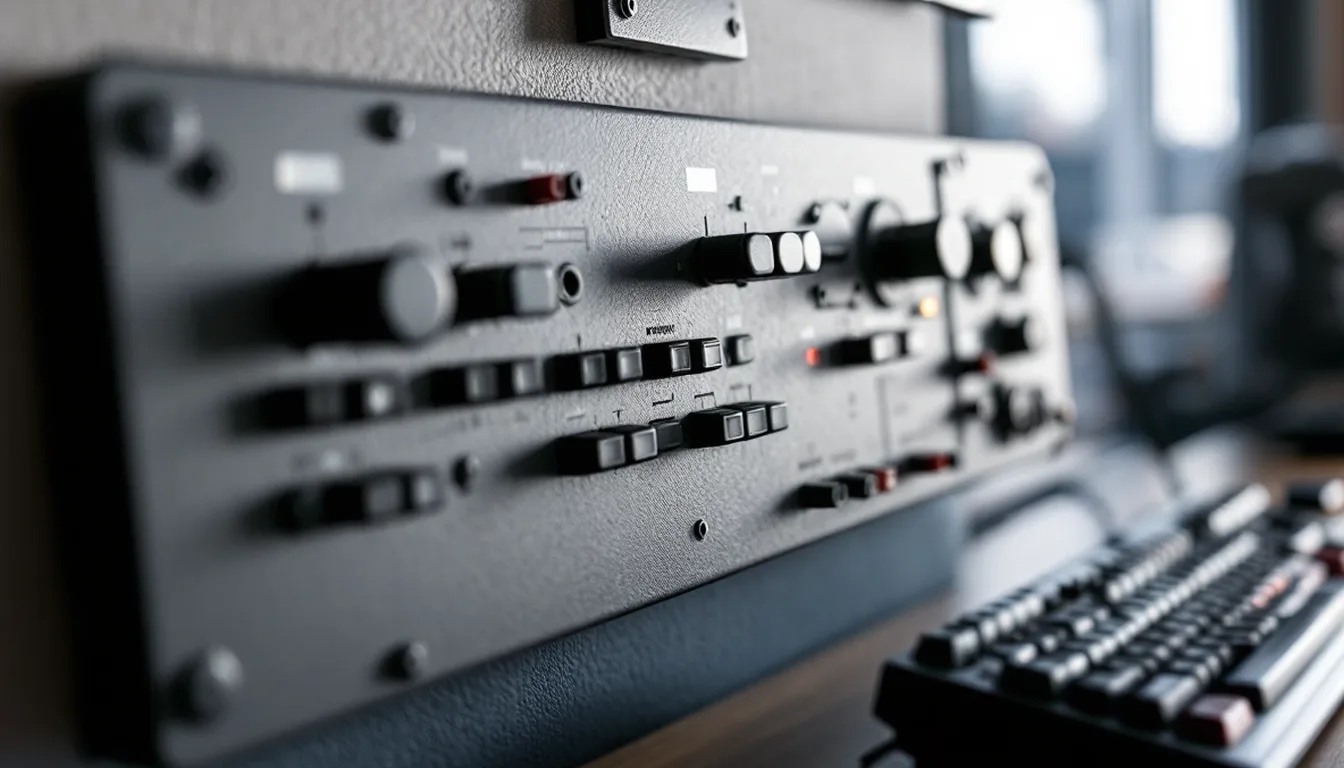
A yoke gives you pitch and roll through a wheel. Some, like the Honeycomb Alpha, add a switch panel for ignition and avionics but no levers. Others, like Logitech's Pro Flight Yoke System, ship with a small throttle quadrant. For planes complex enough to need separate levers for flaps and gear, plus reverse thrust, pair the yoke with a full throttle quadrant.
Rudder pedals are the most-skipped upgrade
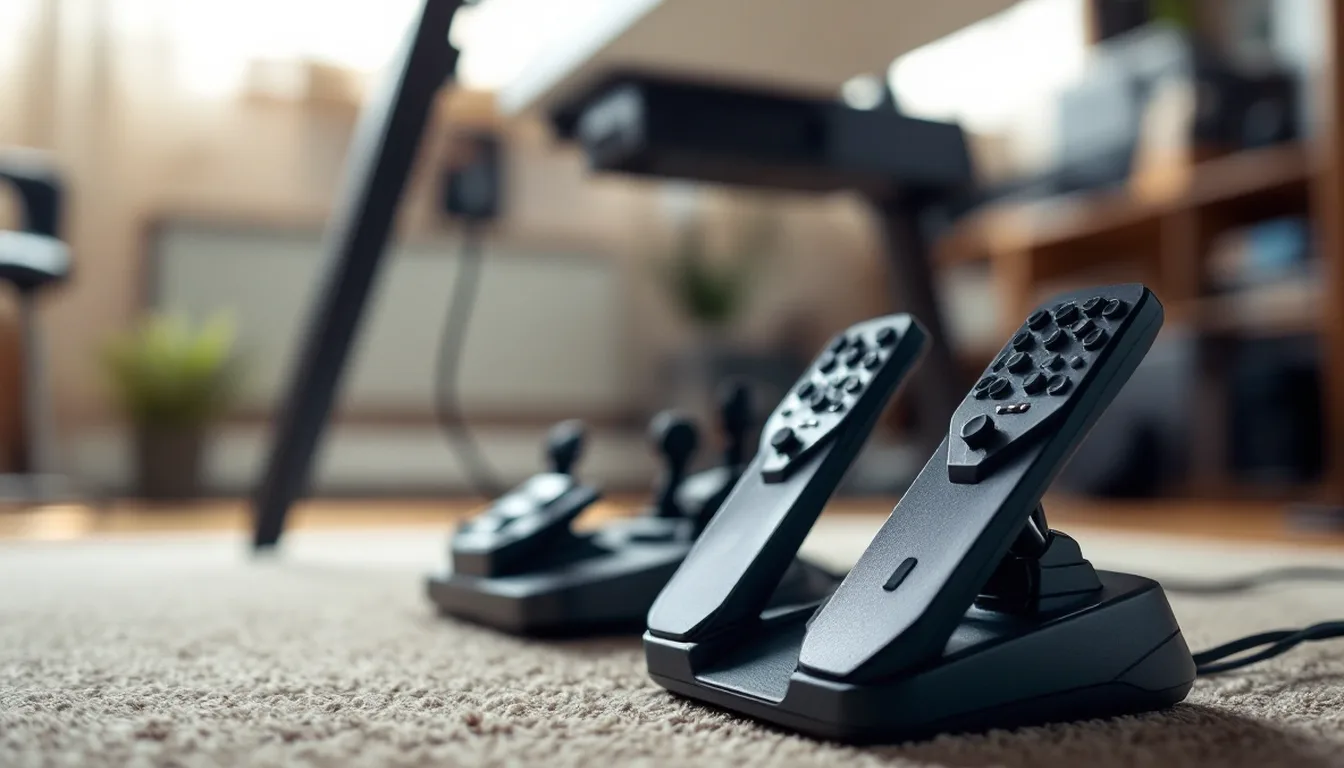
New simmers often steer the rudder with a twist stick and skip pedals. That works for casual flying. It becomes a real compromise once you fly anything that needs real rudder work on the ground or in a crosswind. Taildraggers, warbirds and most small trainers fall in that group. Our rudder pedals roundup compares current options spec by spec.
Mixing brands across your setup
Most flight-sim hardware connects as a standard USB device. So on PC you aren't locked into one maker's family of gear, the way you would be on a console. A Thrustmaster stick, a Honeycomb throttle and pedals from another brand all show up in your sim as separate controllers. You bind each one on its own.
The one place this gets harder is maker software, like Thrustmaster's T.A.R.G.E.T. tool. It works best across that maker's own hardware. If you mix brands, expect to do more mapping in the sim's own controls menu.
Verdict: the best flight controller for flight simulator depends on what you fly
The best flight controller for flight simulator flying depends on the planes you fly. For airliners or small trainers, the Honeycomb Alpha or the Logitech G Pro Flight Yoke System are the strongest starting points. On Xbox, pick the Thrustmaster TCA Yoke Boeing Edition.
For fighters or combat aircraft, the T.16000M FCS HOTAS is a well-priced PC start and the T.Flight HOTAS One is the console pick. The Warthog MKII is the long-term upgrade once you know combat is your main use. Add rudder pedals once ground handling and crosswinds start to matter, and save panels or a cockpit frame for later.
What counts as a flight controller for a flight simulator?
Any dedicated input device built for flight sims instead of general gaming: a HOTAS stick and throttle, a yoke and throttle quadrant, rudder pedals, or a switch and autopilot panel. Most setups combine at least two of these.
Do I need a HOTAS or a yoke?
Base it on what you fly. A HOTAS suits fighters and combat aircraft with a center stick. A yoke suits airliners and general aviation trainers like the Cessna 172, which use a wheel style control in real life.
Will my flight controller for flight simulator work on Xbox?
Only if it is explicitly licensed and labeled Designed for Xbox. PC only hardware, which covers most classic Thrustmaster and Logitech gear, will not connect to an Xbox Series X|S console, no matter what driver you install.
What should I buy first?
One matched controller system, a HOTAS or a yoke and throttle, based on the aircraft category you fly most. Add rudder pedals next, then consider panels or a cockpit frame once your core setup is confirmed.